Hand your coding agent a swarm
A free add-on for Claude Code, Claude Desktop and Codex. It sends your agent's small, repetitive jobs to cheap AI models, all at once, so your Claude plan stays on the thinking.
Install ZergSwarm for me with its one-line installer: https://github.com/Lunarwerx/ZergSwarm
PS> irm https://raw.githubusercontent.com/Lunarwerx/ZergSwarm/main/install.ps1 | iex
$ curl -fsSL https://raw.githubusercontent.com/Lunarwerx/ZergSwarm/main/install.sh | sh
- Paste it into Claude Code or Codex. It installs everything and opens the console.
- Paste one free key there. Gemini or Groq is the quickest.
- Open a new chat and ask. “Use zswarm to review every file in src/.”
Other ways to install, and what it changes
Nothing to install first: it uses uv or pipx if you have one, and otherwise installs uv, which brings its own Python. Read the script first if you like: install.ps1 · install.sh.
It connects every assistant it finds (Claude Code, Claude Desktop, Codex) and changes nothing in your projects. To choose, set ZSWARM_NO_SETUP=1 before running it, then run zswarm setup --client claude-code (or codex, claude-desktop).
By hand: uv tool install "git+https://github.com/Lunarwerx/ZergSwarm" (or pipx install the same), or the 1.1.0 wheel, then zswarm setup.
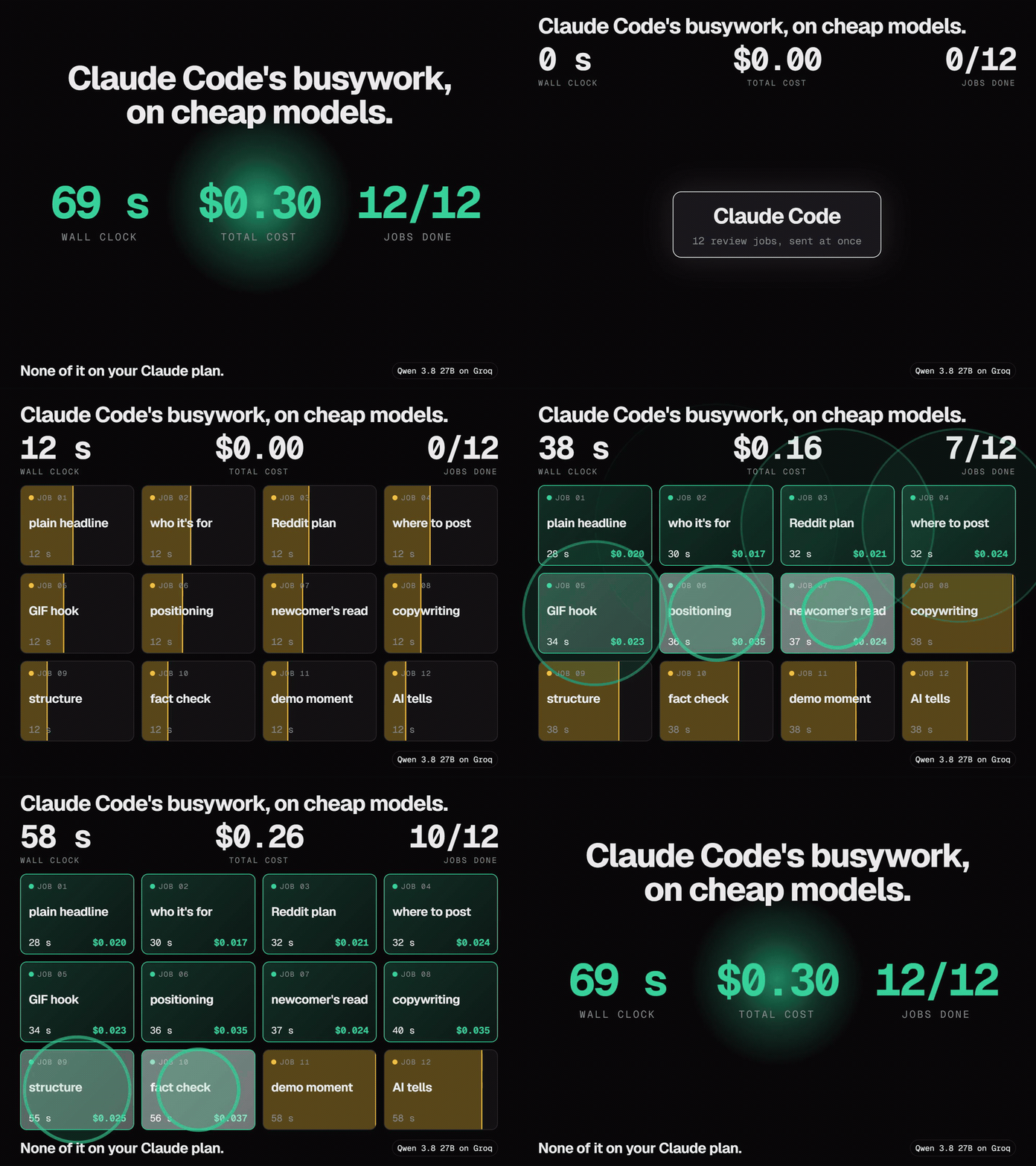
How it works
You ask. The swarm does the busywork.
You ask your agent
In plain words, in any chat.
It splits the job up
One small task per file, handed to ZergSwarm.
Cheap models do them all at once
Each on the cheapest model that is good enough.
Answers come back as data
Your agent checks what matters.
See a real job and what came back
{
  "id": "review-redaction",
  "prompt": "Review zswarm/redaction.py for bugs a user
    could hit. Report only real problems, each with its
    line, the exact code on that line, and one sentence
    saying what goes wrong. If there are none, return
    an empty list.",
  "cwd": "/path/to/ZergSwarm",
  "tools": "read",
  "schema": {
    "type": "object", "required": ["findings"],
    "properties": { "findings": {
      "type": "array", "items": {
        "type": "object",
        "required": ["line", "code", "problem"],
        "properties": {
          "line": { "type": "integer" },
          "code": { "type": "string" },
          "problem": { "type": "string" } } } } }
  }
}
{
  "id": "review-redaction", "status": "ok",
  "model": "rank:qwen3-8-27b:groq", "seconds": 40.1, "cost_usd": 0.0378,
  "data": { "findings": [
    { "line": 159, "problem": "A task pattern named like a built-in detector ('secret')
      replaces that detector instead of adding to it, so real keys go out unredacted." },
    { "line": 49, "problem": "conf['password'] = '012345678901' is not caught, while
      password = '012345678901' is: the same password leaks in one form." },
    { "line": 52, "problem": "The card pattern lets 19 digits through, so a 19-digit
      order number is masked as a card." }
  ] }
}
No agent? Run the same batch from a terminal with zswarm run tasks.json, or send it from your own code to the local HTTP API (docs).
Why
Wide work, for cents
Costs cents
A small job is about a tenth of a cent. Free tiers cost nothing.
Picks the model for you
The cheapest one that is good enough for the job.
Keeps going
When a key runs out, the job moves to the next model.
Only the access you allow
Each job gets only the access it asks for.
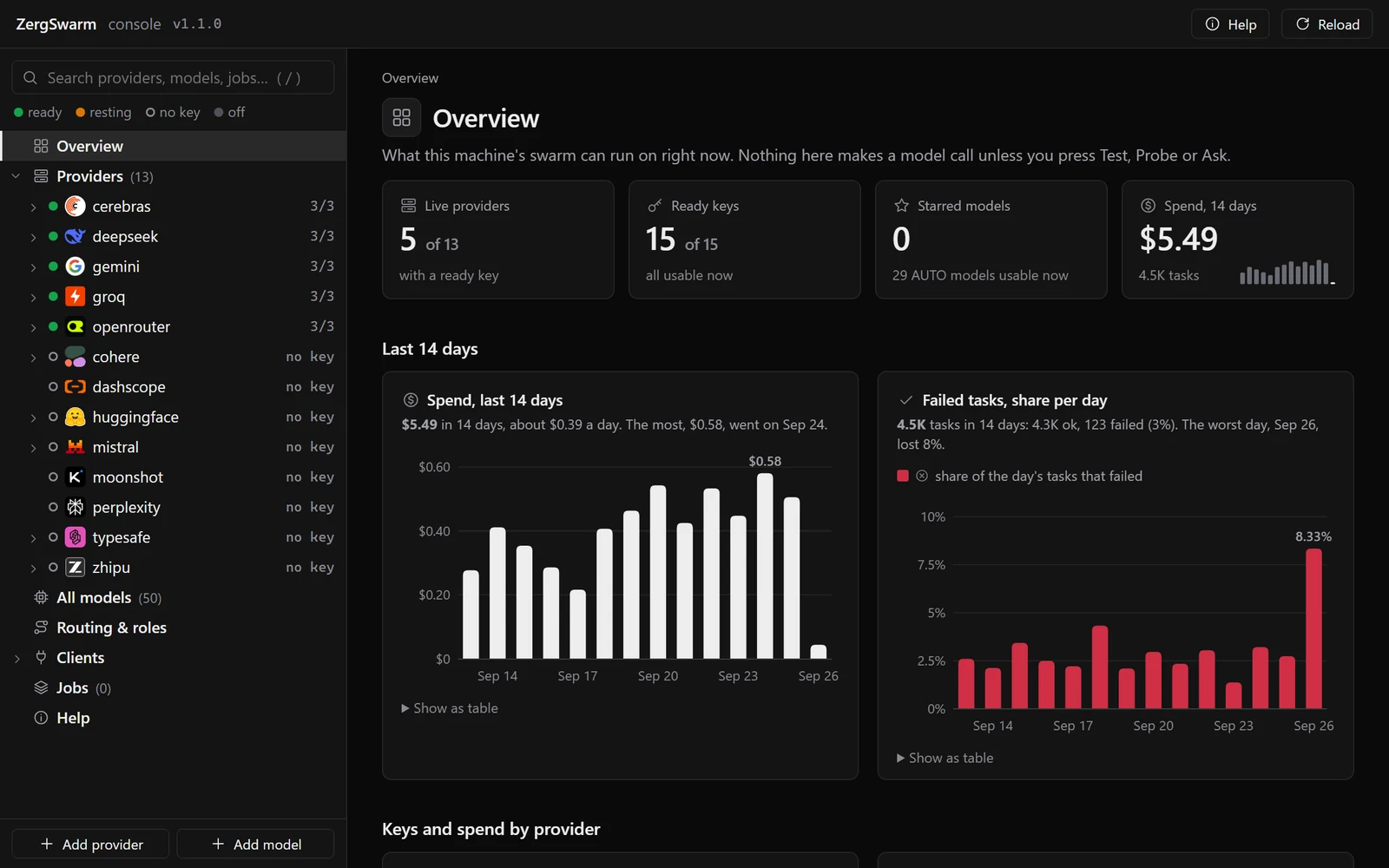
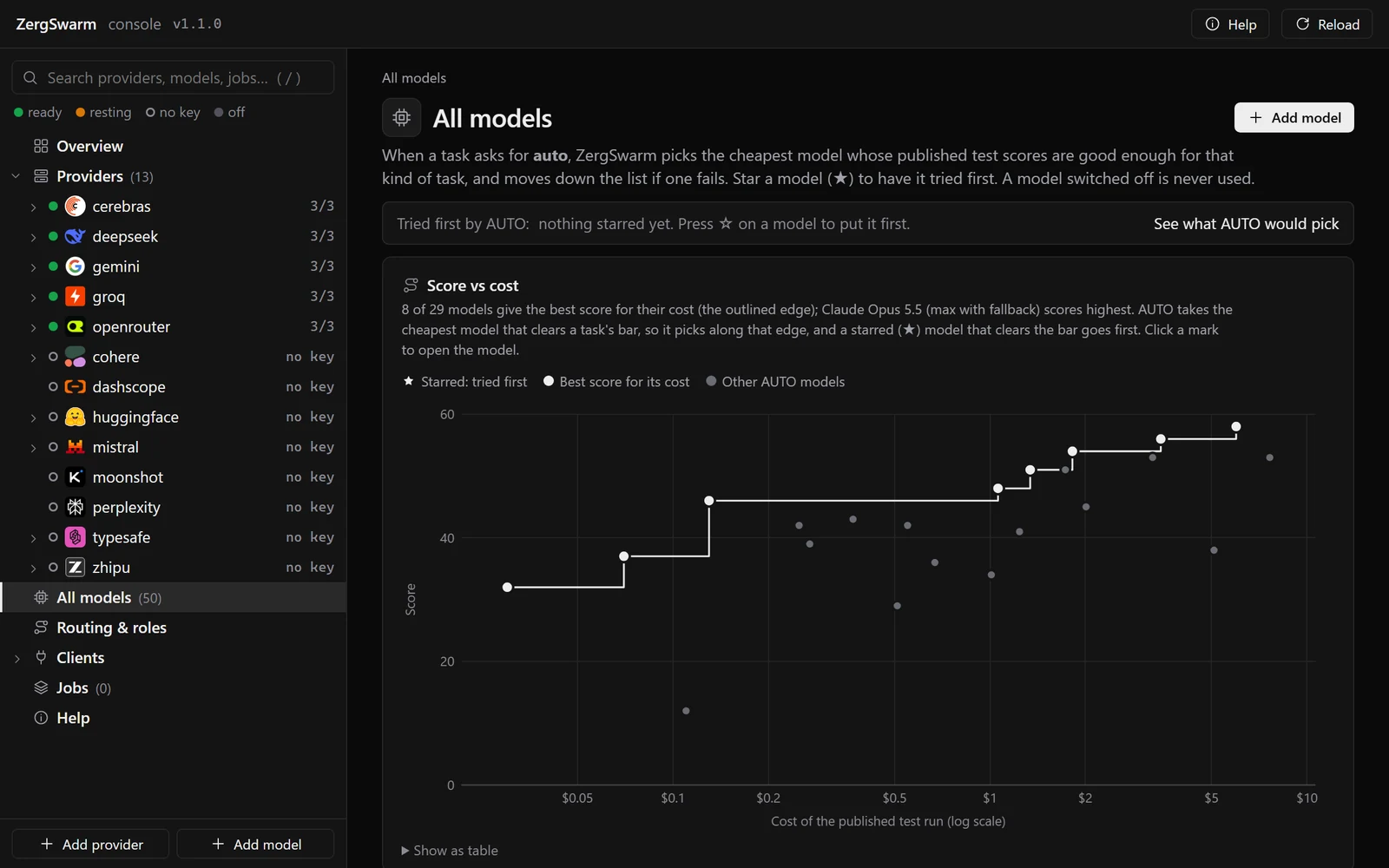
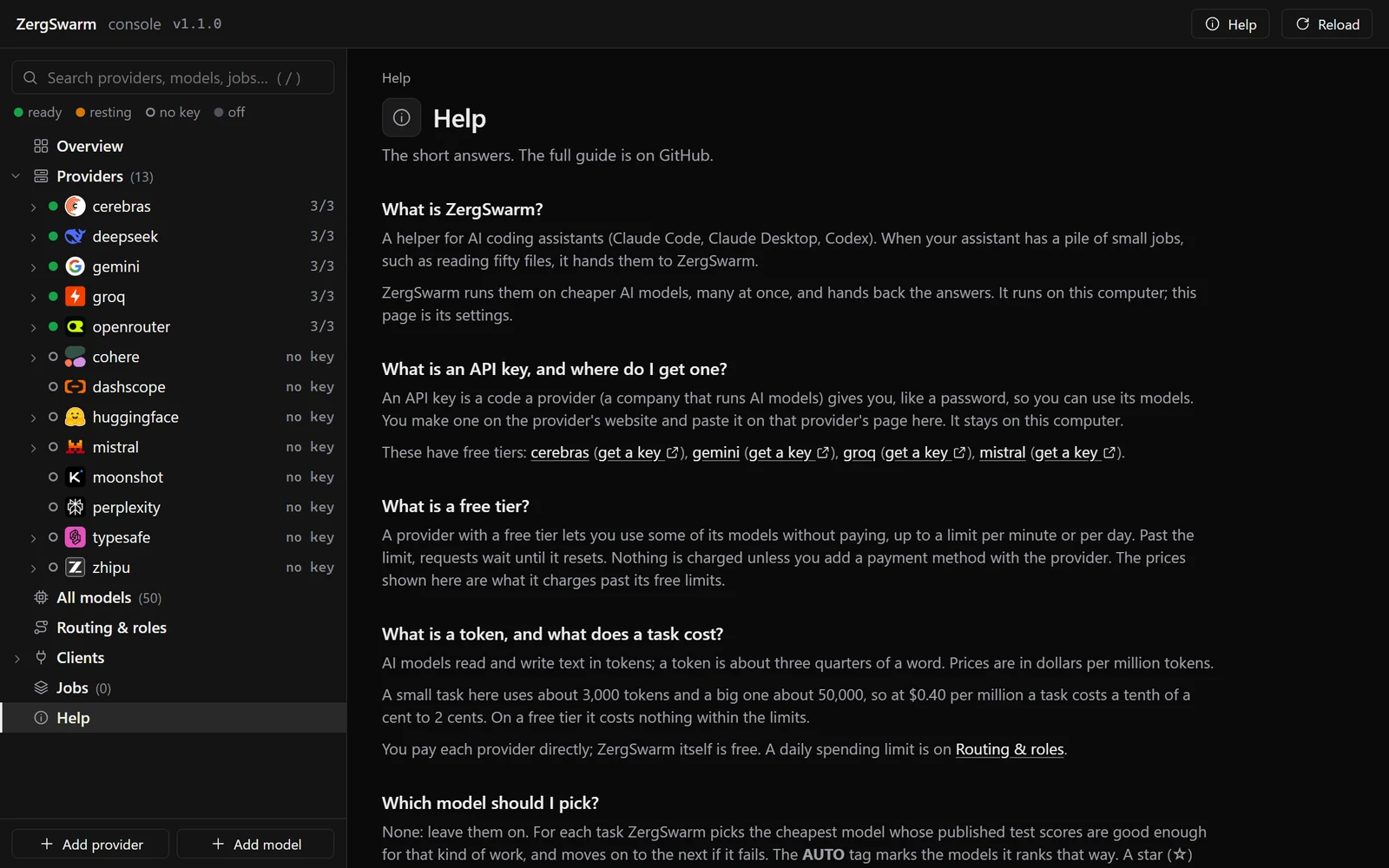
The console
Keys, models and spend on one page
Pictures of the console, which runs on your own computer. Open it any time with zswarm ui.
Providers
One free key is enough
Click a name to get its key. The green ones are free.
Security and privacy
It runs on your machine
- Your keys stay on this computer, never logged or shown.
- Your code goes only to the provider doing that job.
- Workers get only the access each job allows.
The details
The server listens only on 127.0.0.1 and refuses requests whose Host is not your machine, so a web page cannot drive it.
A key you add is saved in ~/.zswarm/providers/<name>.toml, like most command-line tools' keys, or read from an environment variable. On macOS and Linux the file is owner-only; on Windows it sits in your user folder. It is never logged, printed or returned; the console shows a short fingerprint.
Each task sends its prompt, and any files it reads, to one outside AI provider: only ones you added a key for. Switch off any provider you do not want your code sent to. A provider's free tier may keep what it is sent, under its own terms: set the environment variable ZSWARM_REDACT_FREE_TIER=on to mask secrets, email addresses and card numbers sent to free tiers, or use a paid key for private code.
With edit, a worker changes files only inside its task's folder; all also gives it a shell, which can reach anything your account can. The optional Claude Code backend needs an extra confirm_write switch and is not held to the folder, so treat it like all.
FAQ
Questions people ask
What does it cost?
How is this different from Claude Code's own subagents?
Won't cheap models get things wrong?
Can I use it without an agent?
zswarm run tasks.json runs a batch you write yourself, and any program on your computer can use the local HTTP API. Both are in the README.How does it pick a model?
What does my agent get?
zswarm_run for a batch, zswarm_ask for one question, and tools to review a change, compare several models and check on long jobs. The full list is in the README.Which assistants does it work with?
Give your agent a swarm
Free and open source.